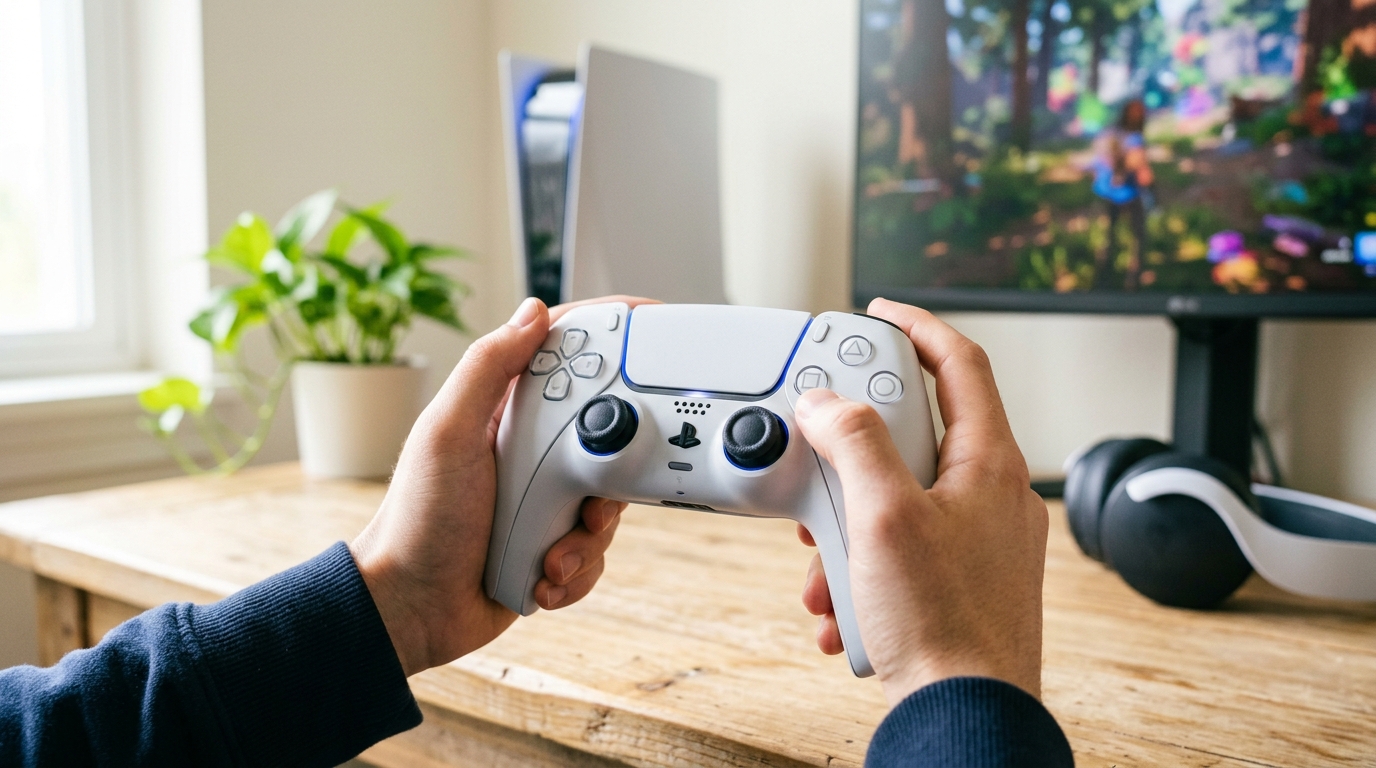
Okay, real talk. When the PS5 launched, most people were focused on the console itself. But the PS5 controller, the DualSense, quietly turned out to be the biggest upgrade in years. And a lot of people still don't know what it can fully do. That's actually a shame because this thing is packed with features most gamers don't even touch.
Whether you just bought a Sony PS5 controller or you've had one for a while, this guide is going to walk you through everything. The tips. The hidden tricks. And yes, the PS5 controller price in Pakistan breakdown too, because that's a very real question for a lot of people here.
Let's get into it.
What Makes the PS5 DualSense Controller Different?
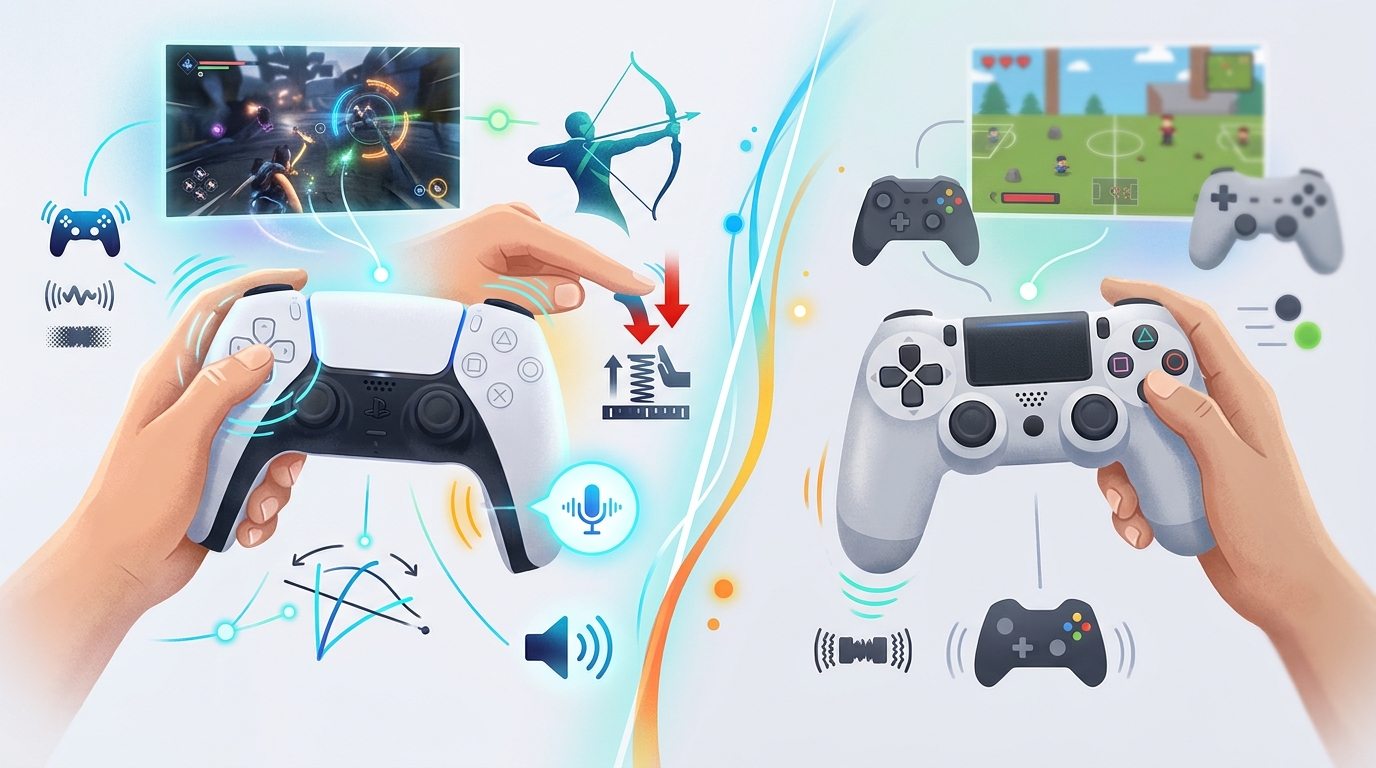
The original PS4 DualShock was fine. Nothing special. The PS5 DualSense controller is a whole different story. Sony didn't just update the look. They rebuilt the whole experience from scratch.
Here's what actually sets the PlayStation 5 controller apart from anything else on the market right now:
- Haptic feedback that actually feels like something different for every action in the game.
- Adaptive triggers on L2 and R2 that push back against your fingers depending on what's happening in the game.
- A built-in microphone so you can chat without a headset if you need to.
- A small speaker that plays game sounds directly from your hands.
- A touchpad in the center that many games use for specific inputs.
- A Create button that replaced the old Share button, now with more recording options.
These aren't just specs on a box. They actually change how games feel. A lot of PS5 exclusive titles are built around the controller features, not just the graphics.
PS5 DualSense vs Generic Controllers: Feature Breakdown
Many gamers in Pakistan wonder if a third-party controller is worth it to save money. Here's a clear look at what you actually get with the original PS5 wireless controller vs a generic option:
| Feature | PS5 DualSense Controller | Generic Controller |
|---|---|---|
| Haptic Feedback | Yes (Advanced) | No |
| Adaptive Triggers | Yes (L2 & R2) | No |
| Built-in Microphone | Yes | Rarely |
| Speaker | Yes | No |
| USB-C Charging | Yes | Varies |
| Battery Life | ~12 Hours | ~8-10 Hours |
| Motion Controls | Yes (Gyro + Accel) | Rarely |
| Touchpad | Yes | No |
The table makes it clear. If you want the full PS5 experience, especially with games like Astro's Playroom, Returnal, or Hogwarts Legacy, the original Sony PS5 controller is the one to go with. Third-party options cut corners on the features that matter most.
Adaptive Triggers: The Feature You Need to Feel
This is the one feature that genuinely surprised people when the PS5 launched. The L2 and R2 buttons on the PS5 controller aren't just buttons anymore. They actually push back.
In a racing game, you'll feel tire grip slipping. In a shooting game, you'll feel the tension of pulling back a bowstring. In a sports game, each shot or kick feels different. Sounds gimmicky? It's not. Once you play a game that uses it well, going back to a regular controller feels flat.
How to Test Adaptive Triggers
Load up Astro's Playroom. It comes pre-installed on every PS5. It's basically a full demo of everything the DualSense can do. Within the first ten minutes, you'll feel the adaptive triggers in action across multiple scenarios.
Spider-Man: Miles Morales also uses it well. Each web-shooter has tension feedback. It's small, but it adds up.
Haptic Feedback: Way Beyond Rumble
Old controllers had rumble motors. Simple vibration, left or right. The PS5 wireless controller uses haptic actuators. That's a fancy way of saying it vibrates in a much more targeted, nuanced way.
You can feel the difference between walking on sand vs concrete in some games. Rain sounds different from footsteps. A sword hitting a shield feels different from hitting soft ground. It's all coming through your hands.
Tips to Get the Most From Haptic Feedback
- Don't turn it off. A lot of guides say to disable it for performance games, but try it first. Most people end up leaving it on.
- Adjust intensity in the PS5 settings. Go to Settings > Accessories > Controllers and tweak the vibration strength to your liking.
- Try different game genres. Haptics feel most obvious in action-adventure and horror games.
- Use a decent headset alongside it. The combination of audio and haptics together creates a much stronger experience.
Built-In Microphone: Quick and Useful
The PS5 controller has a built-in mic. It's right there in the middle of the controller, near the light bar. You can jump into a party chat without any headset at all.
Is it the best mic quality? No. But it's good enough for casual sessions when you don't want to dig out your headset. Press the mute button below the PS button to toggle it on and off quickly.
One tip most people miss: the controller also has a tiny speaker. Some games play sound effects or dialogue directly through it. In quiet rooms, it can be a bit startling the first time it happens.
Battery Life Tips for Your PS5 Controller
The PS5 DualSense gets around 12 hours of battery life depending on how heavily you use the haptics and speaker. That's decent, but here's how to stretch it:
- Lower haptic intensity in settings. This is the biggest drain on battery.
- Turn off the controller speaker or lower its volume when you don't need it.
- Use the Rest Mode feature on PS5. Your controller charges while the console sleeps.
- Charge with USB-C. Any decent USB-C cable works, so you don't need to buy an official charger.
- Don't fully drain the battery every time. Charging at around 20-30% is better for battery health long term.
Sony also released a charging dock for the DualSense. It's sold separately and it's a clean option if you hate cable management.
Using Your PS5 Controller for PC Gaming
Good news if you game on PC too. The PS5 controller for PC works through both USB and Bluetooth. Windows detects it as a generic controller in most cases.
But if you want the full experience, including adaptive triggers and haptics on PC, you need to use Steam. Steam has native PS5 DualSense support built in. Just connect the controller and configure it in Steam's controller settings.
For non-Steam games, a tool called DualSenseX or DS4Windows can help you map the inputs. Not all PC games support the advanced features, but basic gameplay works fine on almost everything.
Quick PC Setup Steps
- Connect via USB-C for the most stable connection.
- Open Steam and go to Settings > Controller > General Controller Settings.
- Check the box for PlayStation Configuration Support.
- Test the controller in Big Picture Mode to confirm everything works.
PS5 Controller Colors and Variants Available in Pakistan
The PS5 wireless controller comes in quite a few colors now. Sony has released multiple limited editions since launch. Here's what you'll typically find in the Pakistani market:
- Midnight Black: The most widely available. Matches the disc version PS5 nicely.
- Cosmic Red: A deep red and black combo. Looks great and stays clean longer than lighter colors.
- Galactic Purple: A fan favourite. The gradient effect on it is genuinely well done.
- Nova Pink and Starlight Blue: Newer pastel options, less common in local stores.
- DualSense Edge: Sony's pro controller. More customizable, back buttons, replaceable parts.
Stock varies a lot depending on the time of year and where you're buying from. Online stores like Games E-Store tend to have more consistent availability than smaller shops.
PS5 Controller Price in Pakistan (2026 Guide)
A lot of people searching for PS5 controller price in Pakistan get confused because prices vary a lot by variant and seller. Here's a realistic breakdown based on current market rates:
| Controller Variant | PS5 Controller Price in Pakistan | Notes |
|---|---|---|
| DualSense (Midnight Black) | PKR 19,000 - 22,000 | Most Popular |
| DualSense (Cosmic Red) | PKR 19,500 - 23,000 | Limited Stock |
| DualSense (Galactic Purple) | PKR 19,500 - 23,000 | Fan Favourite |
| DualSense Edge (Pro) | PKR 35,000 - 42,000 | Premium Pick |
| Third-Party PS5 Compatible | PKR 8,000 - 14,000 | Budget Option |
Keep in mind, prices shift based on dollar rate changes, import duties, and stock availability. Always buy the original Sony PS5 controller from a trusted seller to avoid getting a counterfeit. There are a lot of fake DualSense controllers in the market. They look similar but feel completely different and skip all the advanced features.
How to Spot a Fake PS5 Controller
- The haptic feedback feels weak or vibrates like an old-style rumble motor.
- The adaptive triggers don't push back at all. They feel like regular buttons.
- The built-in mic doesn't work or isn't picked up by the PS5.
- The box font or Sony logo looks slightly off. Always check carefully.
- Price is suspiciously low, like below PKR 12,000 for a 'Sony' DualSense.
Hidden PS5 Controller Tips Most Gamers Miss
These are the small things that make a real difference day to day:
1. Mute Your Mic Fast
Press the mute button once to mute your mic. Hold it to turn off the controller speaker too. Very useful when someone walks in the room.
2. Adjust Trigger Effect Intensity Per Game
Some games let you adjust adaptive trigger and haptic settings from within the game menu itself, not just the PS5 system settings. Check each game's options menu.
3. PS Button Double Tap
Double-tapping the PS button on the PlayStation 5 controller takes you back to the last game you were in. Saves you from going through the home screen every time.
4. Check Controller Battery Without Picking It Up
While on the home screen, the controller battery level shows in the notification bar at the top right. You don't need to press anything.
5. Use the Touchpad as a Button
The full touchpad can be pressed in like a button. A lot of games use this for the map, inventory, or pause menu. Check your game's control settings to see how it's mapped.
Common PS5 Controller Problems and Quick Fixes
Controller Won't Connect to PS5
Reset the controller using the small reset button on the back (near the L2 shoulder button). Use a pin to press it, then reconnect via USB and pair again.
Drift Issues
Stick drift, where the analog sticks move on their own, is a known issue on many controllers including the DualSense. If it's within warranty, contact Sony. If not, a local repair shop can replace the stick modules for around PKR 2,000-4,000.
Haptics Not Working
Go to Settings > Accessories > Controllers on your PS5 and make sure vibration is turned on. Also check if the specific game you're playing has haptic support enabled in its own settings.
Final Thoughts
The PS5 DualSense controller is genuinely one of the best gaming peripherals Sony has ever made. Most people don't fully explore what it can do. Hopefully this guide changed that a little.
If you're in Pakistan and looking to buy one, always go with an original Sony PS5 controller from a reliable source. The experience difference between a real DualSense and a fake is night and day. You'll feel it in the first five minutes.
And if you're curious about the PS5 controller price in Pakistan or want to explore different color options, Games E-Store has a solid range of original controllers shipped across Pakistan. Check what's in stock and pick the one that suits your setup.







 Sale
Sale